
How Can We Help?
Recipe: reward the people who log in
Show a members-only badge to signed-in customers who carry the right tag. Nobody else sees it. Needs Starter or Pro for the customer tag condition.
You’ll need
- The Custom badge type
- A Customer tag condition
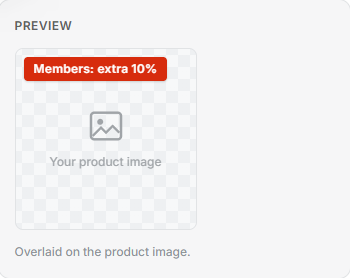
- Badge text such as Members: extra 10%
Method
- Create a badge and set the Badge type to Custom.
- Add a condition. Set the field to Customer tag and the value to your tag, such as vip or member.
- In the Badge text box, type: Members: extra 10%
- Select Save. The badge only shows for a logged-in customer with that tag.
Tip: Customer tag badges are checked in the shopper’s own browser, never on our servers. Each visitor’s tags stay private, and Freshfront stays out of your customer data.