
How Can We Help?
Recipe: flag your picks by hand
Some products you just want at the front. Badge them yourself and skip the rule. Works on every plan.
You’ll need
- The Custom badge type
- A word like Our pick, or a star icon
- A few hand-picked products
Method
- Create a badge and set the Badge type to Custom.
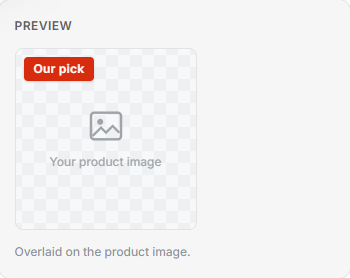
- In the Badge text box, type Our pick. Or switch Show as to Image and choose a star from the icon library.
- Leave the conditions empty. Under Specific products, use Choose products and pick the ones to feature.
- Select Save. Only the products you picked get it.
Tip: Add a condition as well as picking products and the badge shows on both: your picks, plus anything that matches the rule.