
How Can We Help?
Recipe: put the saving on the badge
A red Sale flash does the job. A badge that says how much comes off does it better. Needs Starter or Pro for the live figure.
You’ll need
- The Sale badge type
- The badge text: Save {discount_percent}%
Method
- Go to Badges and select Create badge.
- In Appearance, set the Badge type to Sale. It matches any product with a compare-at price, so only real markdowns get badged.
- In the Badge text box, type: Save {discount_percent}%. The preview fills in an example figure.
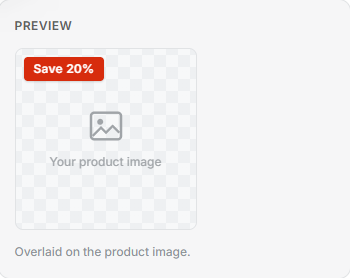
- Select Save. Each product shows its own discount, worked out live from its price.
Tip: {discount_percent} is the whole-number percentage off. A £50 item reduced to £40 reads “Save 20%”.