
How Can We Help?
Recipe: count down the last few
The last few of anything sell quicker when shoppers can see how few are left. This badge shows the live count and ticks down as stock does. Needs Starter or Pro for the live count.
You’ll need
- The Low stock badge type
- The badge text: Only {inventory_count} left
- An urgent colour, such as amber or red
Method
- Go to Badges and select Create badge.
- In Appearance, open the Badge type dropdown and choose Low stock. It sets the rule “inventory is 5 or fewer”. Change 5 to whatever counts as low in your shop.
- In the Badge text box, type: Only {inventory_count} left
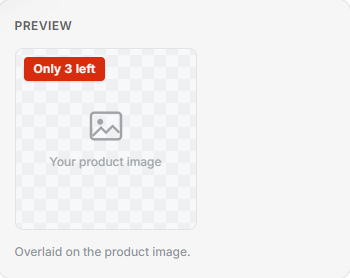
- Pick an urgent colour and check the preview.
- Select Save. Every product at or below your number now wears it, and the count updates as stock moves.
Tip: {inventory_count} is a live token. Type it exactly, curly brackets and all, and Freshfront puts the real figure in its place on your shop.