
How Can We Help?
Recipe: spotlight a brand or a range
Running a brand event or a themed edit? Mark the whole set with one rule and an icon. New products join by themselves.
You’ll need
- The Custom badge type
- A Vendor or Product tag condition
- An icon, or a short word
Method
- Create a badge and set the Badge type to Custom.
- Add a condition. Set Vendor to the brand, or Product tag to your range tag.
- Switch Show as to Image and choose an icon, or keep the badge text as a short word.
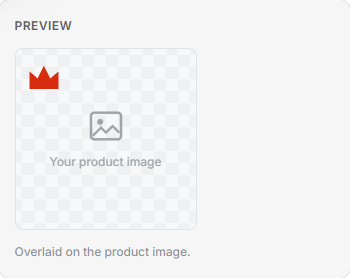
- Select Save. Every product in that brand or range wears it.
Tip: Because it runs on a rule, there’s no list to keep. Add a product to the brand or give it the tag, and the badge appears the next time badges refresh.